Watch every limit. No surprises.
Pulse puts floating usage rings for Claude, Codex, Grok and Antigravity at the edge of your screen, with a Codex pet you can talk to.
macOS 26 or later · Apple silicon · signed and notarized · free and open source
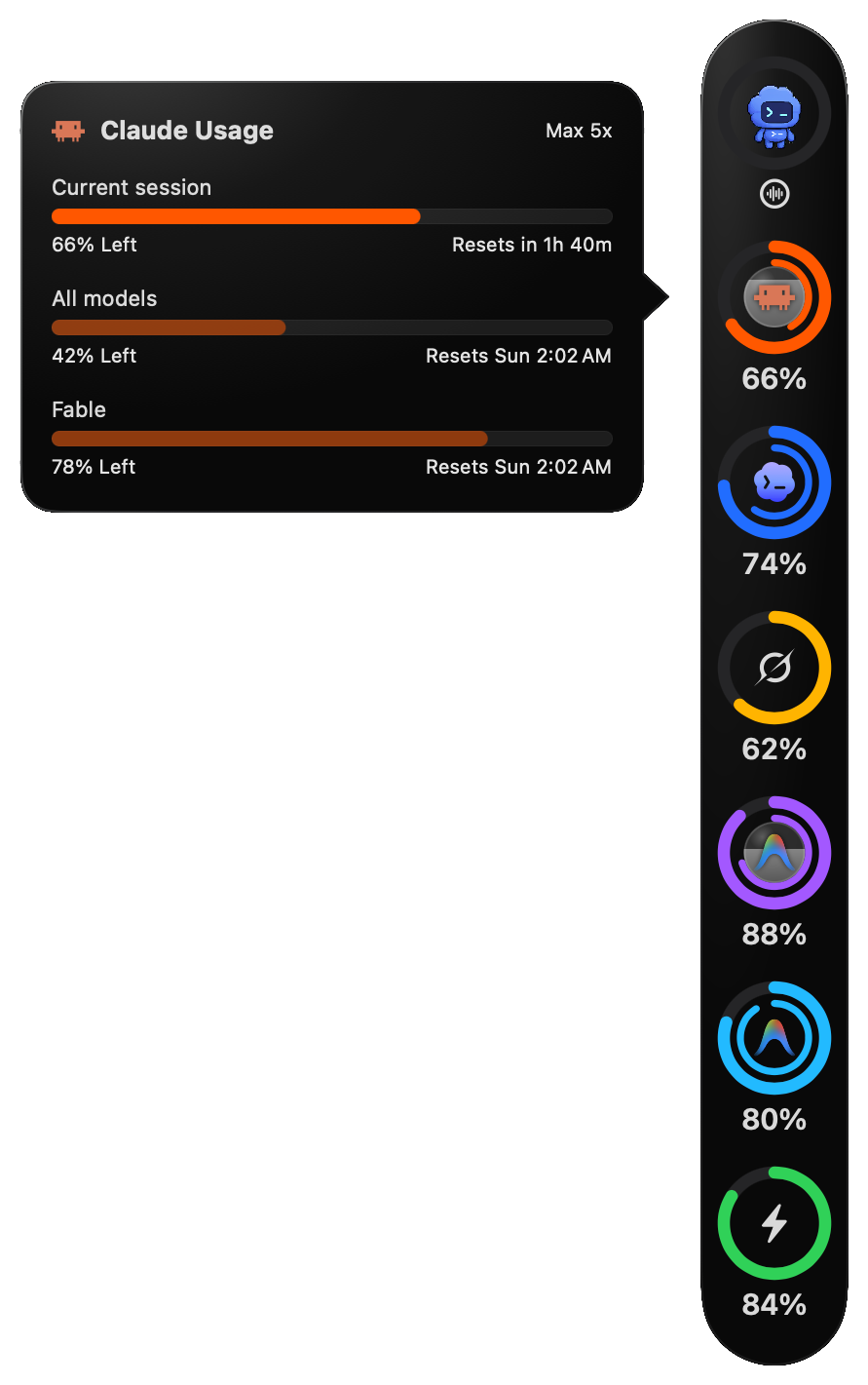
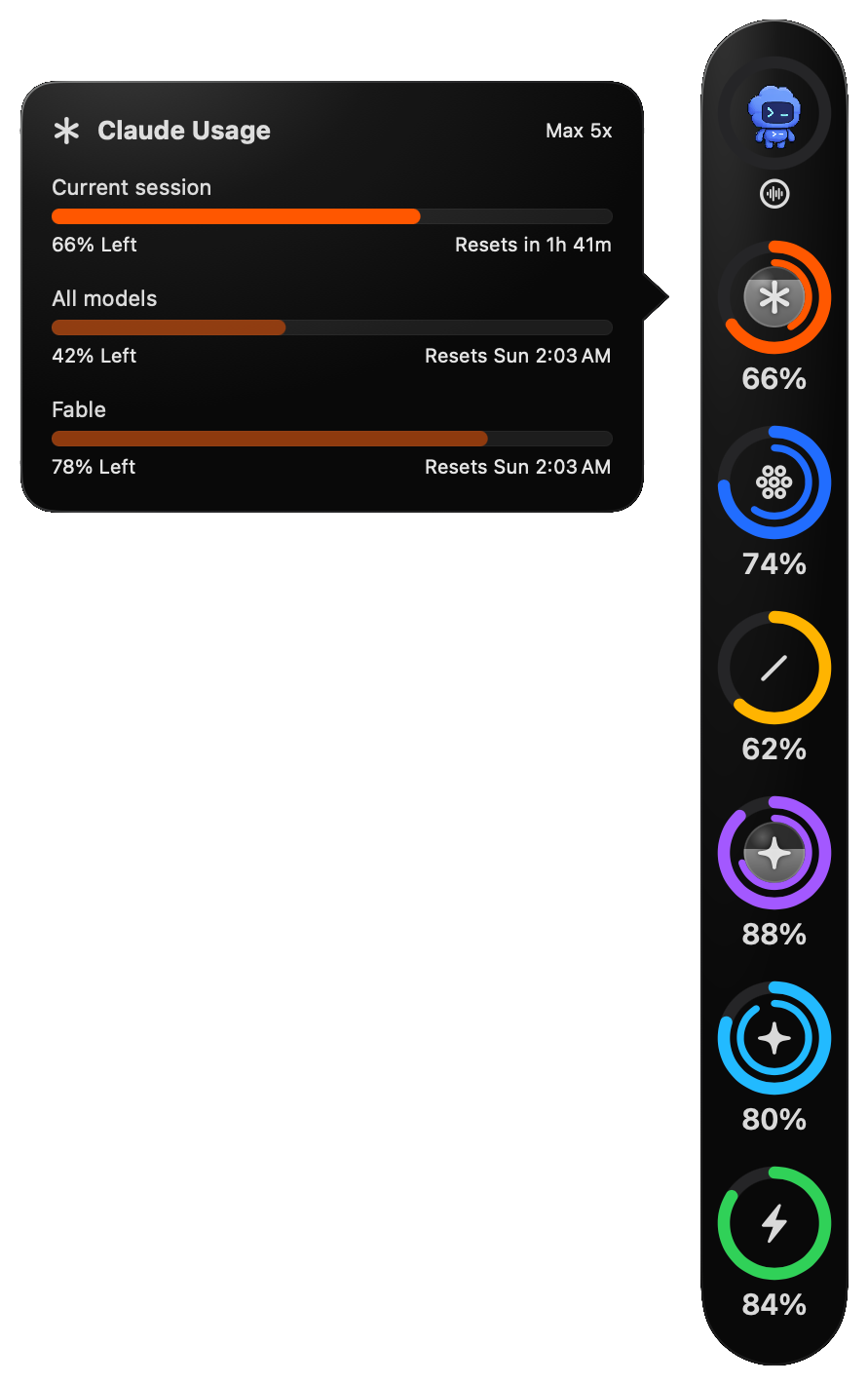
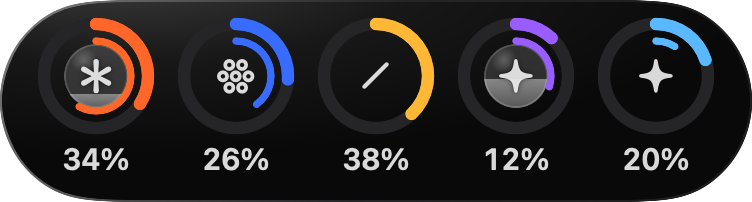
That rail at the edge of this page is Pulse, drawn the way the app draws it, with sample numbers. Point at it to see them, or push it into the edge to tuck it away.
Every limit, at the edge of your screen.
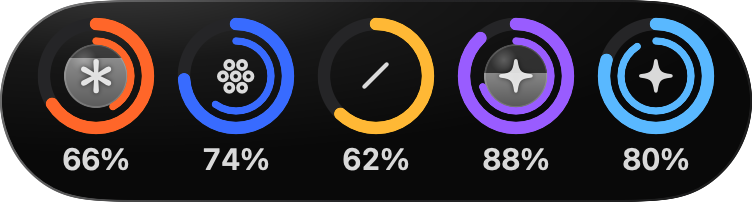
Each ring's outer arc is the account's shortest limit, usually the 5-hour session, and the inner arc the next, usually the weekly limit. Click a ring for its limits and reset times. Usage refreshes every 2 minutes.
- Used or what's left, your choice. Rings show what you've used, or turn on Show what's left in Settings → Rings and they empty as you go. The cards follow.
- 98%, 99%, 100%. The ring gets a red badge and an alert stays in the middle of the screen until you dismiss it.
- Per-model caps fill the gray disc behind the logo as they're used.
- A ring per pool. Antigravity's Gemini models and its Claude and GPT models have separate limits, so each gets a ring. A switch in Settings hides the second.
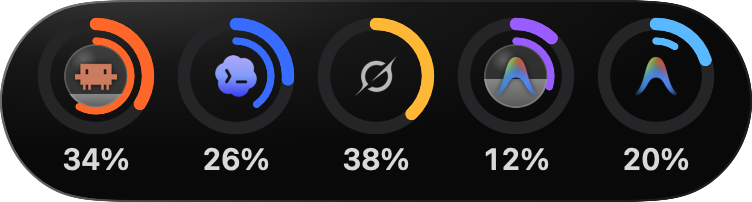
- Small until you need it. The rings sit at a screen edge, small and without numbers until the pointer is over them; then they grow and show their percentages.
- Flick it, tuck it. Drag the rail to any edge or flick it toward one, and it glides there. Push it into its own edge and it tucks away to a thin sliver, with a tick for each ring. Click the sliver to bring it back.
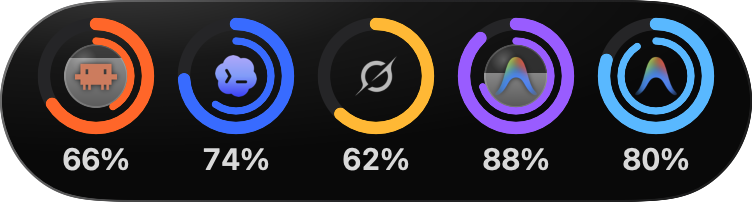
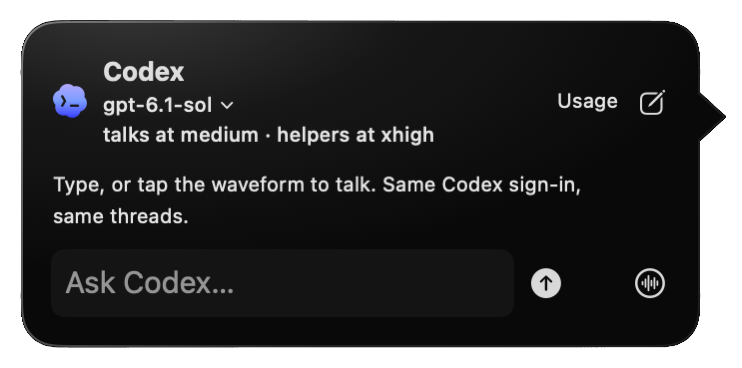
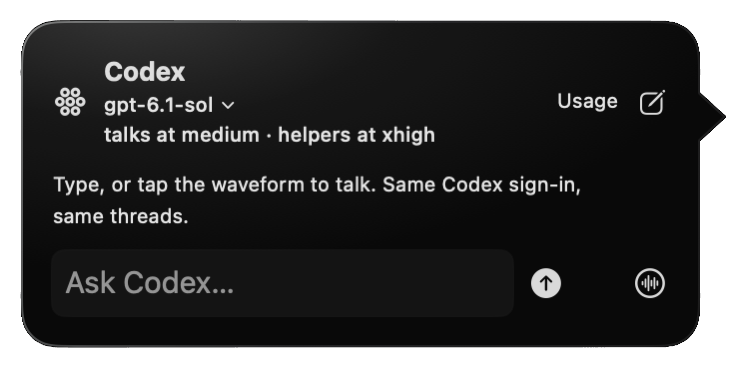
A Codex pet you can talk to.
Click the pet to chat by text, or talk to it live. It runs your own Codex sign-in, keeps one conversation across restarts, and hands bigger jobs to Codex helpers while you keep talking.
- Voice: the waveform button under the pet, or Command-click the pet.
- ⌃ ⌥ Space opens the pet hands-free. Hold it to talk.
- Your call: requests to act outside its folder come to you as a permission dialog.
Time for a break.
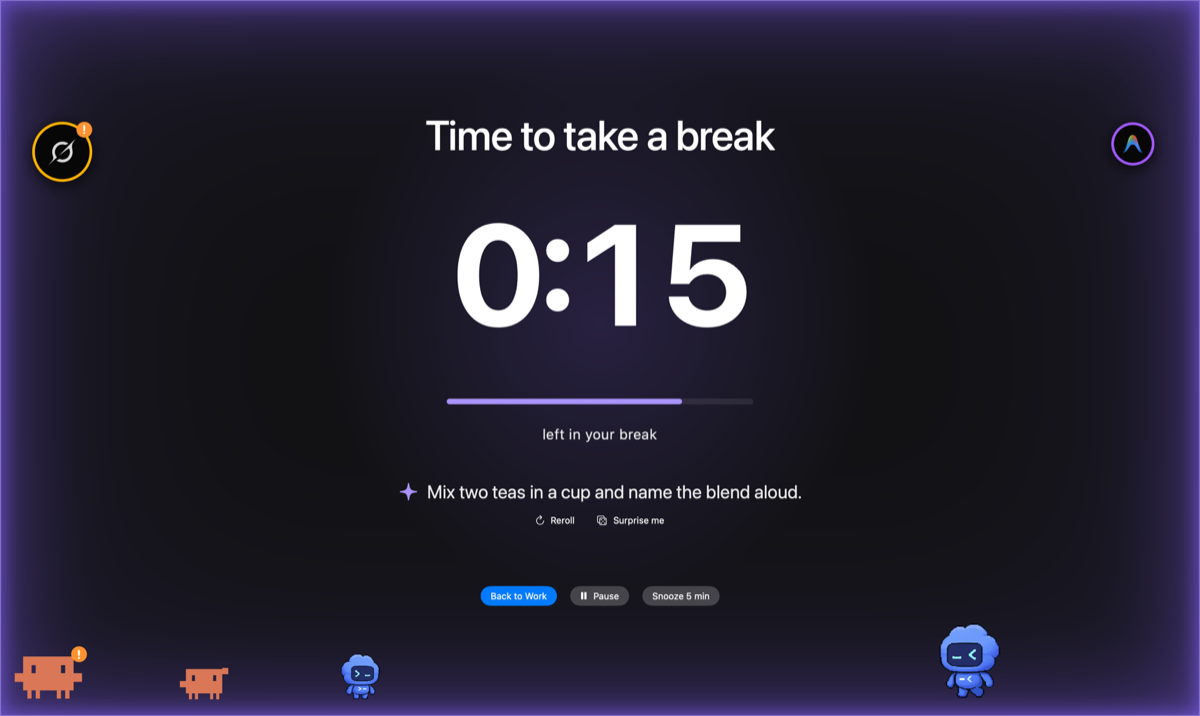
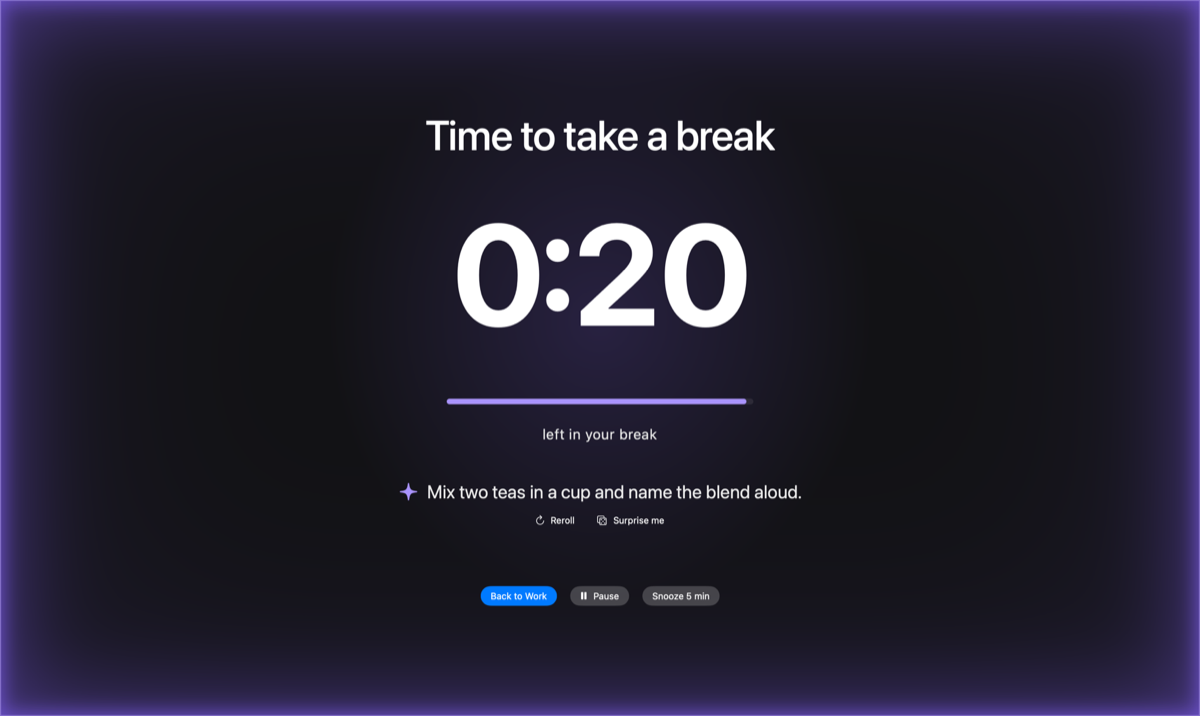
Breaks keep to their times: by default a 20-second micro break every 20 minutes and a 5-minute break every hour. Thirty seconds before, a countdown grows out of the rail. The break covers every display, waits during calls, and time away counts as a break. On holidays a short film plays behind the countdown. Coming soon: make your own from a prompt.
Download for Mac v0.4.1- Battery alerts you can't miss.
- The last ring is the battery. At the low and critical levels Pulse shows an alert in the middle of the screen until you dismiss it or plug in.
- Your own sign-ins.
- No API keys, no accounts with Pulse, and no backend of its own. Usage requests go straight to each provider.
- Signed and notarized.
- Built with a Developer ID and checked by Apple. Free, with the source on GitHub under the MIT licence.